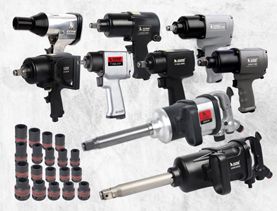
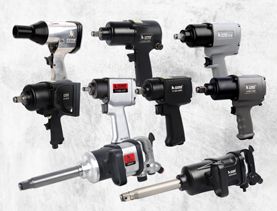
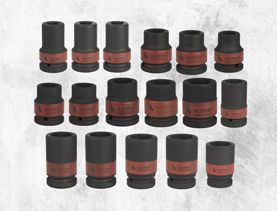
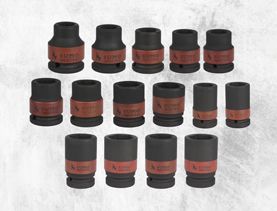
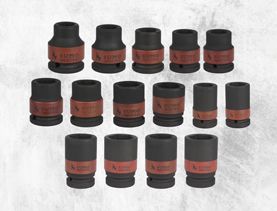
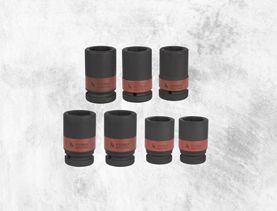
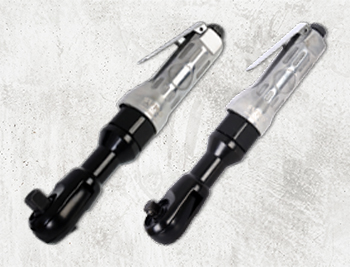
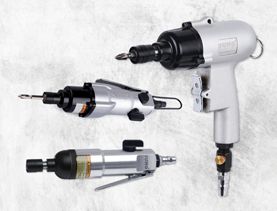
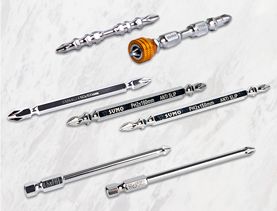
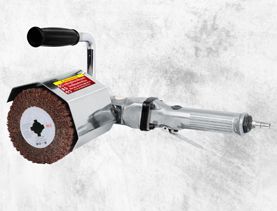
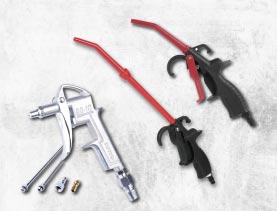
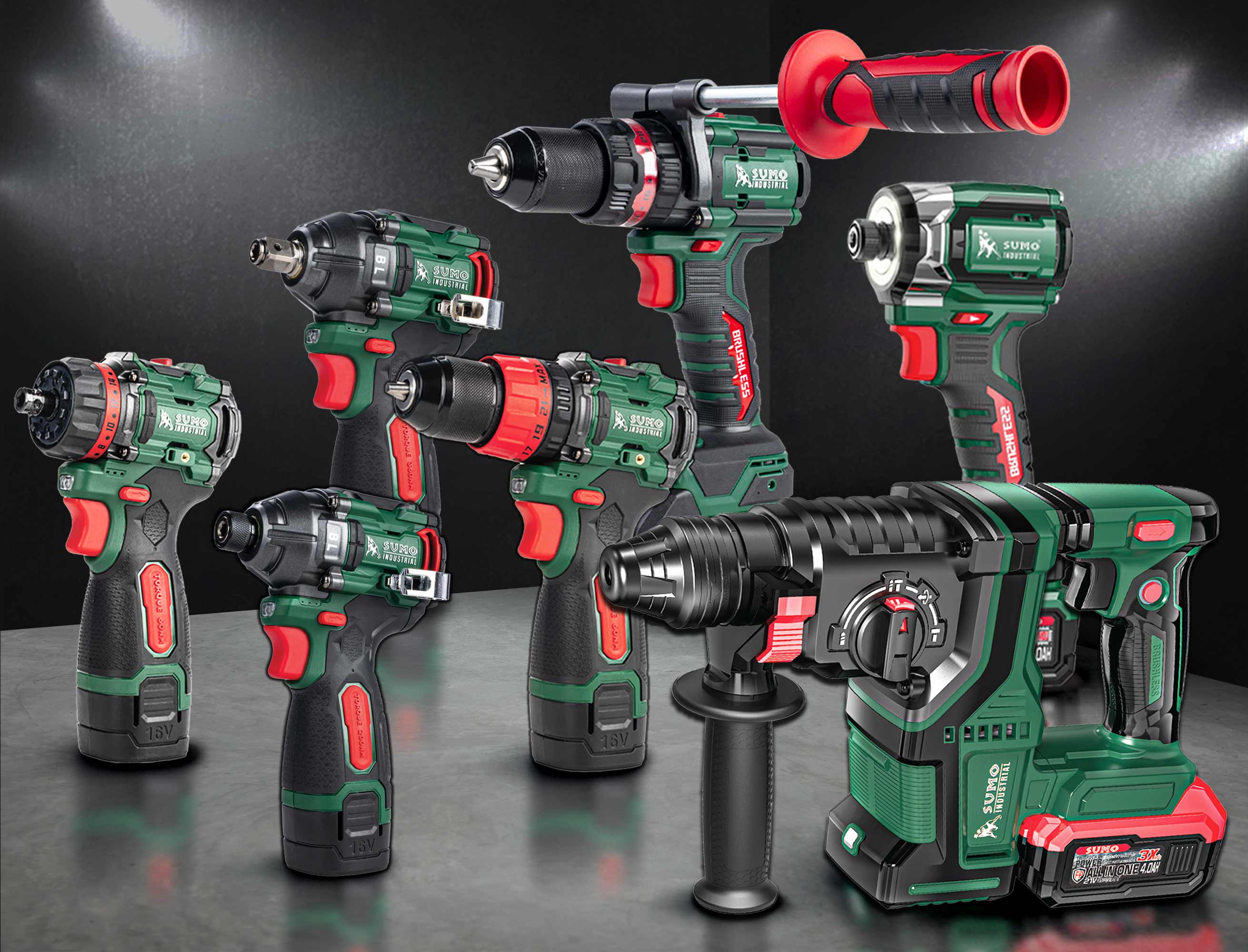
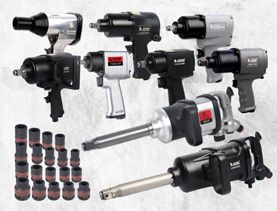
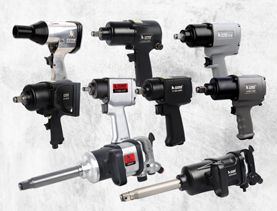
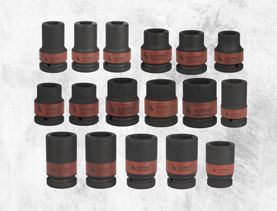
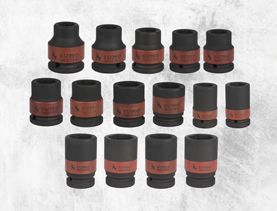
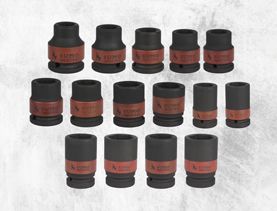
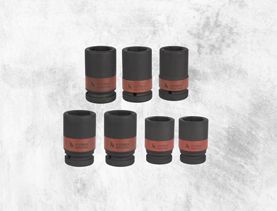
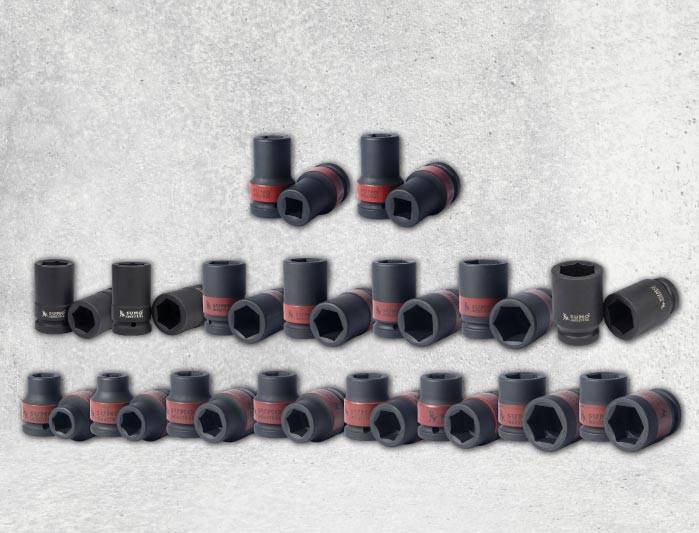
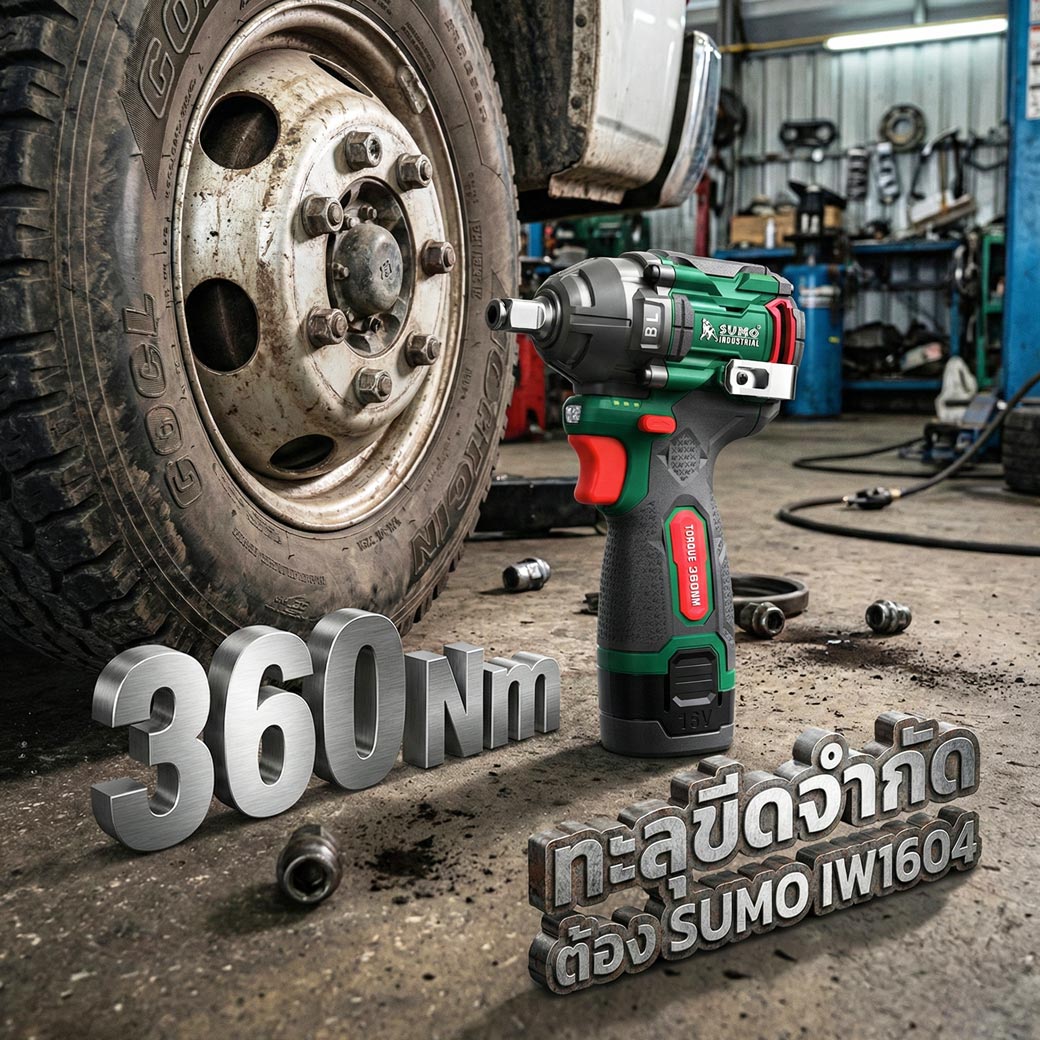
Suitable for automotive maintenance, steel structure installation, carpentry, construction, machinery assembly, and general tasks that require high torque and fast fastening or loosening of bolts and screws.
Tightening Bolts: Place the socket firmly on the bolt head and apply appropriate pressure to the tool. Start the tool slowly, then gradually increase the speed, and release the switch once the bolt is fully tightened.
Loosening Bolts: Attach the socket to the bolt head and start the tool at maximum speed. As the bolt is about to come off, slowly release the switch until the bolt is completely removed.
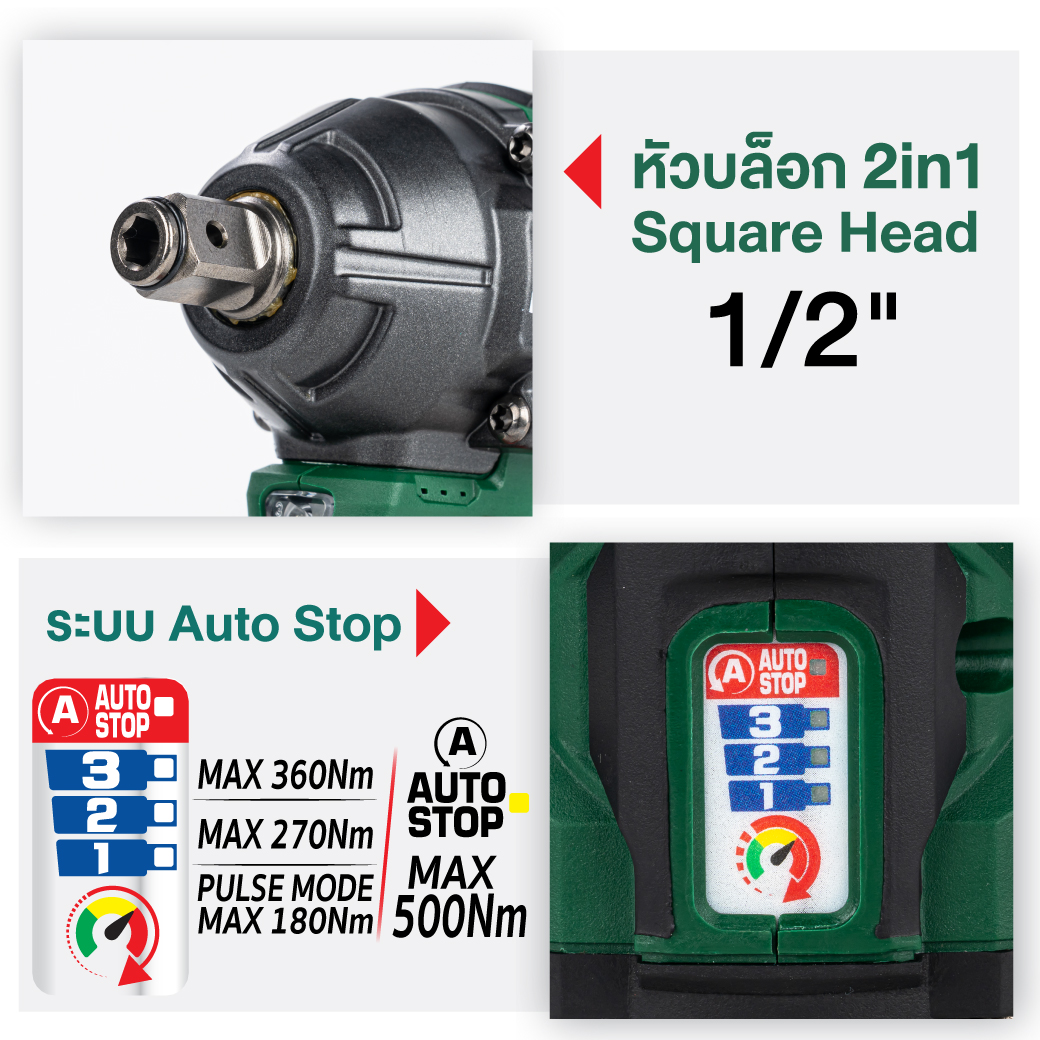
Speed Adjustment and Auto Bolt Release AutoStop: When the tool is set to rotate clockwise, the AutoStop button can switch between high torque and low torque modes. When the tool is set to rotate counterclockwise, the AutoStop button can be used to enable or disable the automatic stop function while loosening bolts. The automatic stop function prevents over-loosening and ensures bolts are removed properly without causing damage to equipment parts or the workpiece. Indicator Light: When the indicator light on the panel turns off, gently press the trigger switch to turn the indicator light back on.
After inserting the tool, gently pull the socket to ensure it is securely attached to the wrench head.
The operating mode refers to the preset mode on the tool, which determines the rotation speed and impact force. Choosing the appropriate mode for the task can speed up work or improve work quality.
If using a backup battery for continued operation, let the tool rest for at least 15 minutes before resuming use.
Always make sure to turn off the cordless impact wrench and remove the battery pack before adjusting or inspecting the tool’s functions.
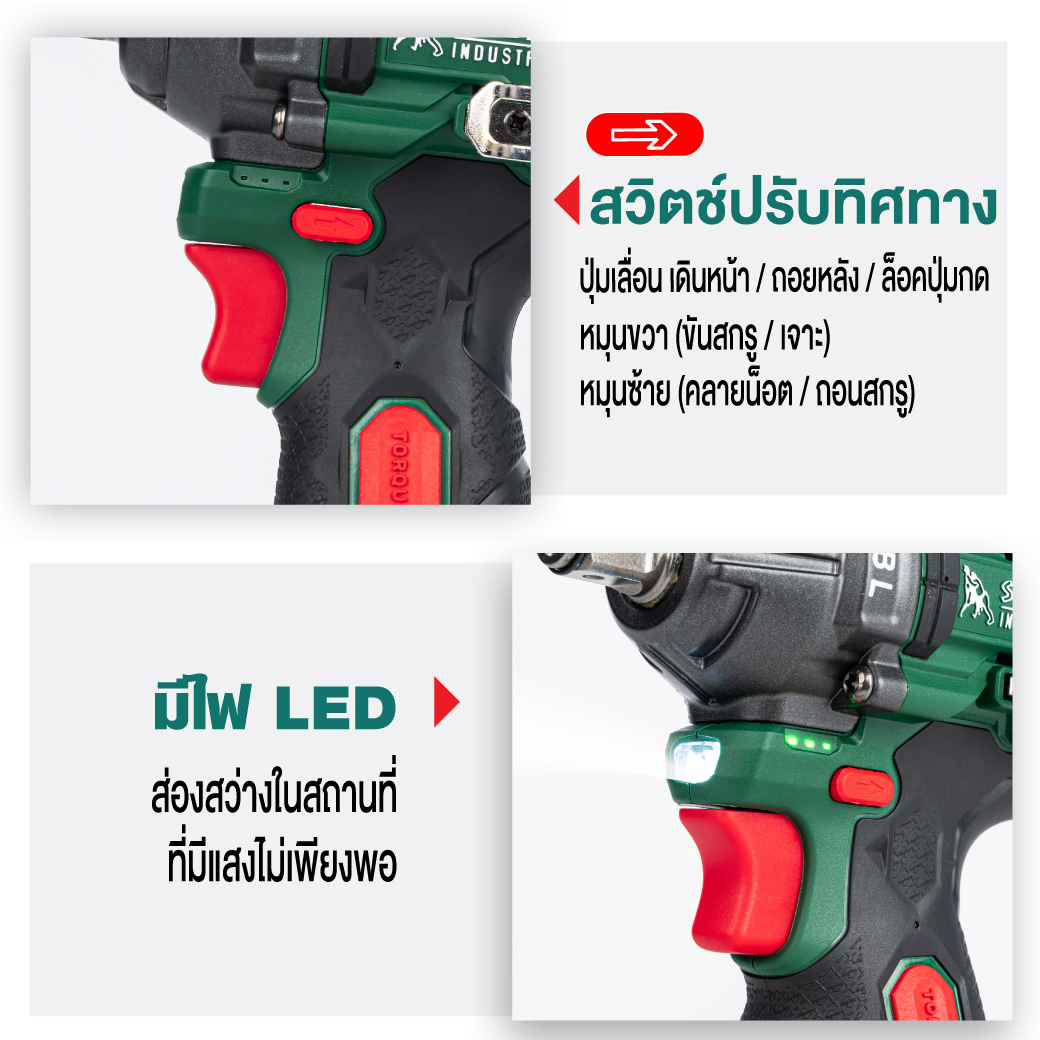
Always check the rotation direction before operating the cordless impact wrench.
Use the reverse switch only when the cordless impact wrench has come to a complete stop. Changing the rotation direction before the tool stops may cause damage.
When the tool is not in use, always set the rotation direction selector to the neutral position.
The trigger switch cannot be pressed, and the tool will not operate, if the direction selector is in the neutral position.


 1.เจียร ตัด ขัด ถู
 2.งานเชื่อม ตัดพลาสม่า
  3.อุปกรณ์เพื่อความปลอดภัย
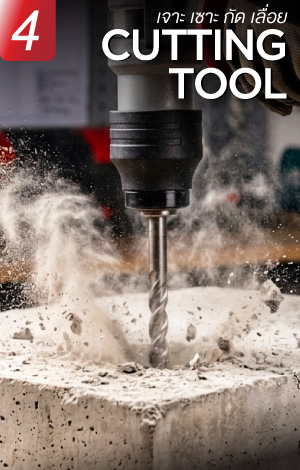
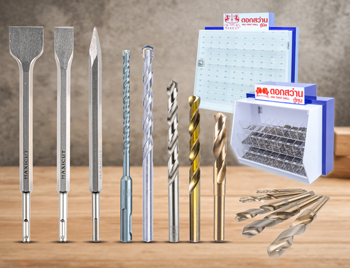
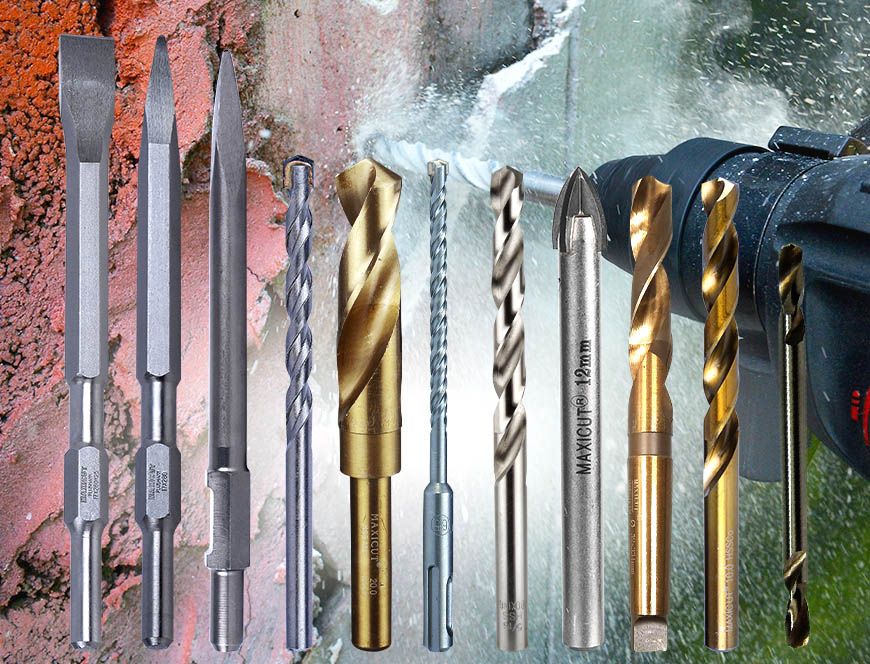
  4.เจาะ เซาะ กัด เลื่อย
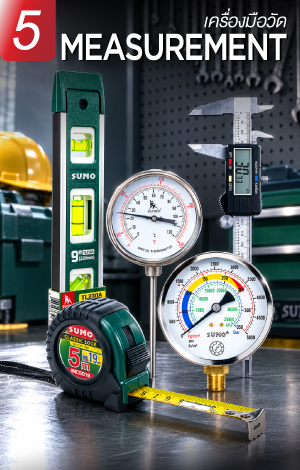
  5.เครื่องมือวัด
  6.อุปกรณ์ไฟฟ้า
  7.อุปกรณ์ลม
  8.เครื่องมือไฟฟ้า
  9.ปั๊มน้ำ เครื่องอัดฉีด
  10.อุปกรณ์ดูแลรถยนต์
  11.เคมีภัณฑ์
  12.เครื่องมือ
  13.เครื่องจักร